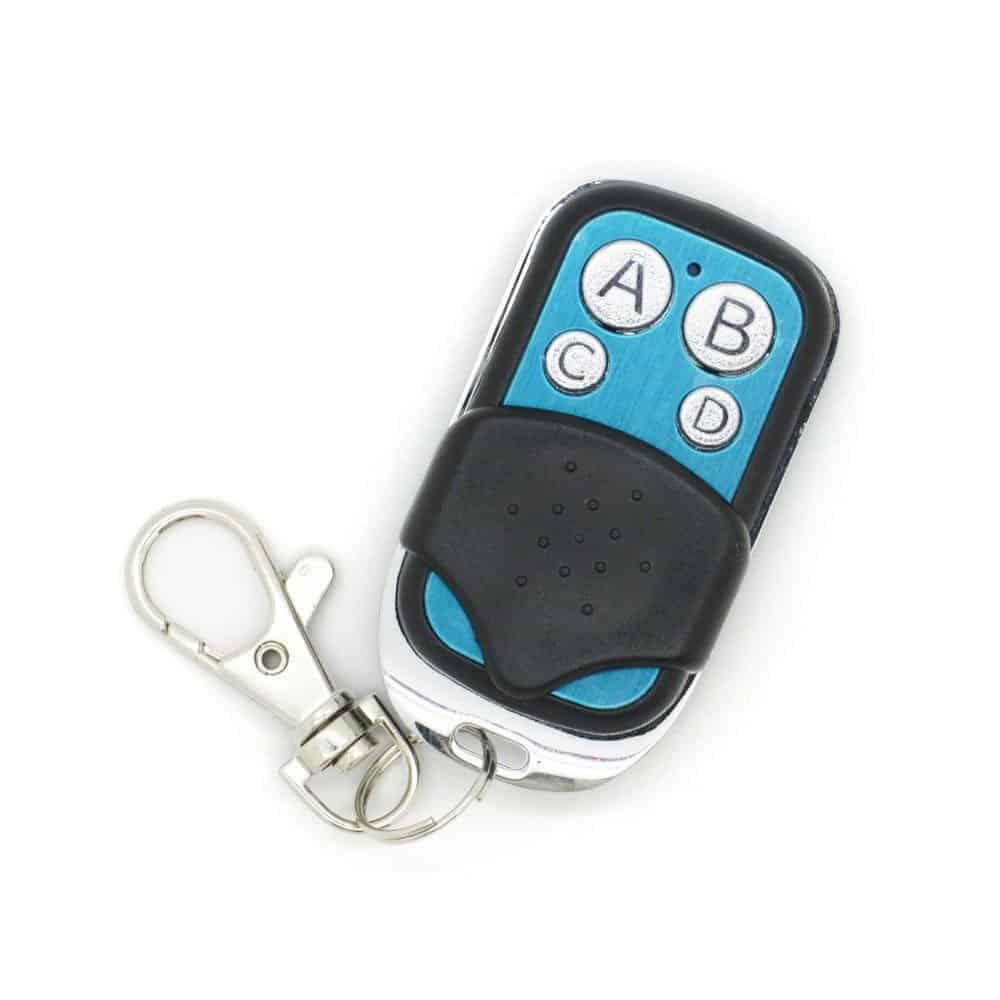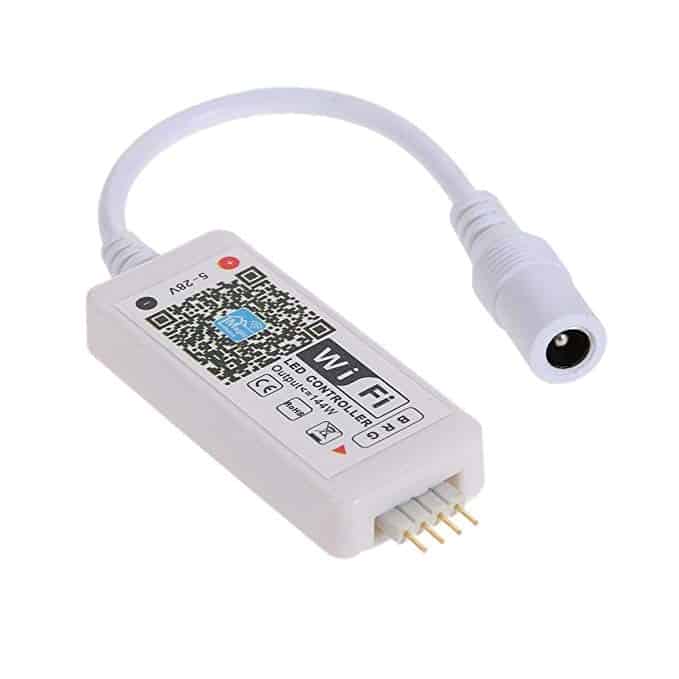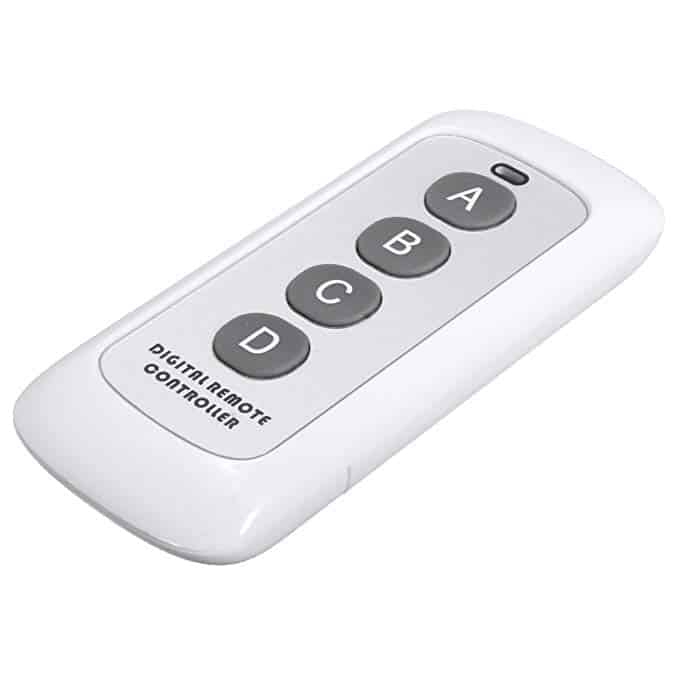

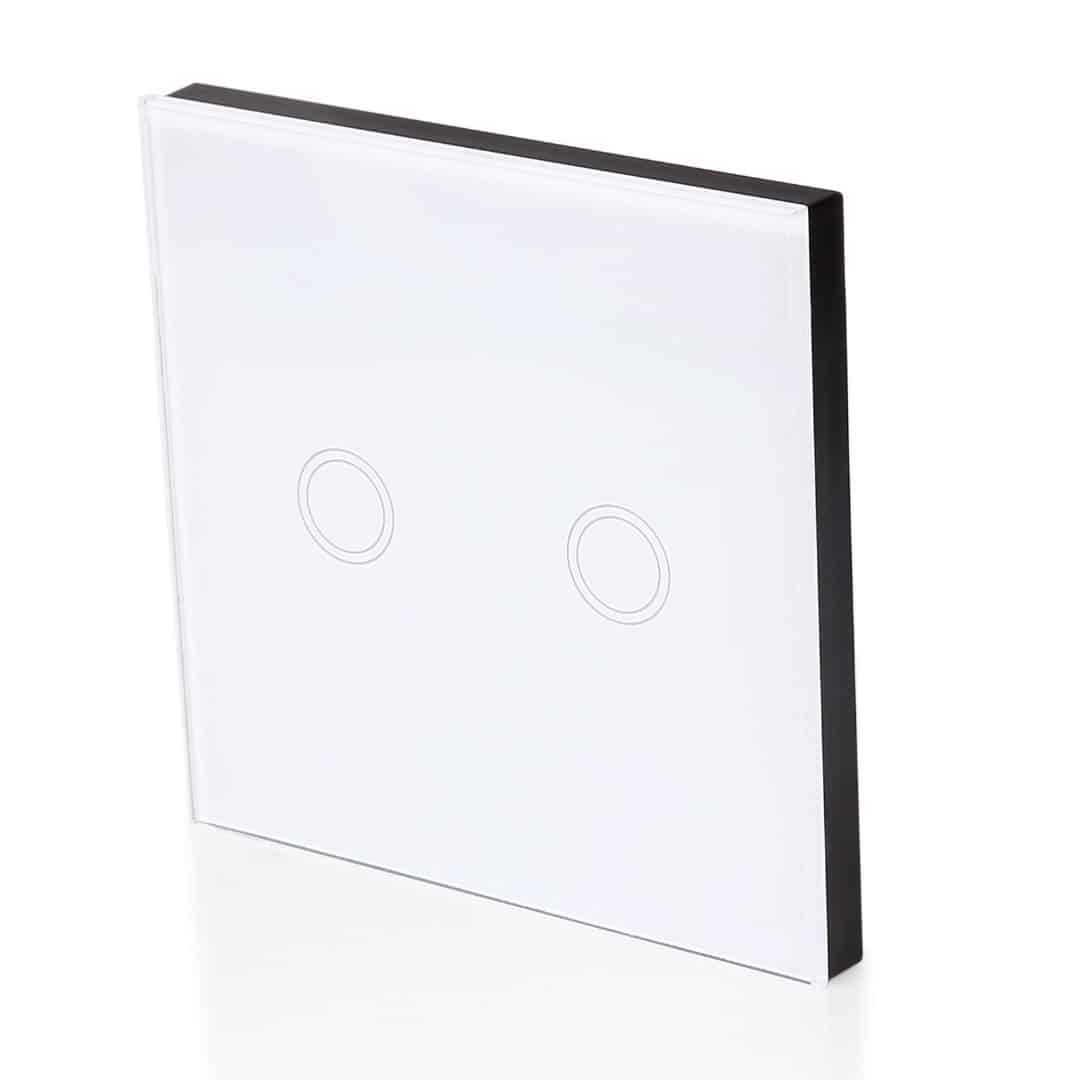
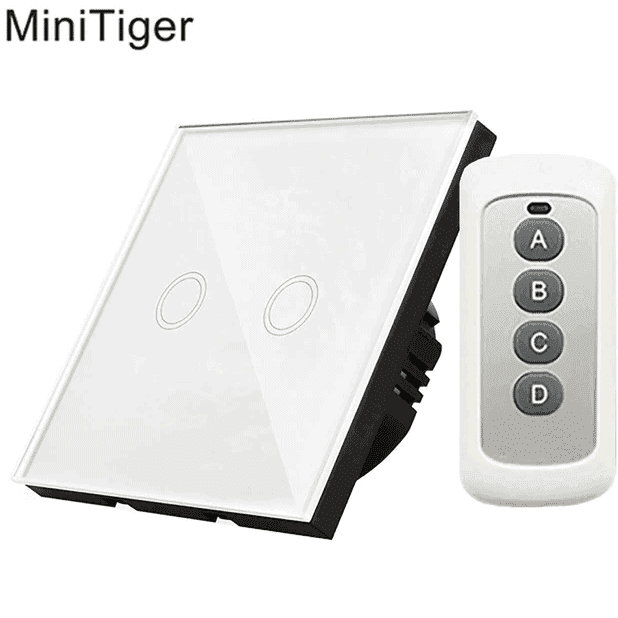
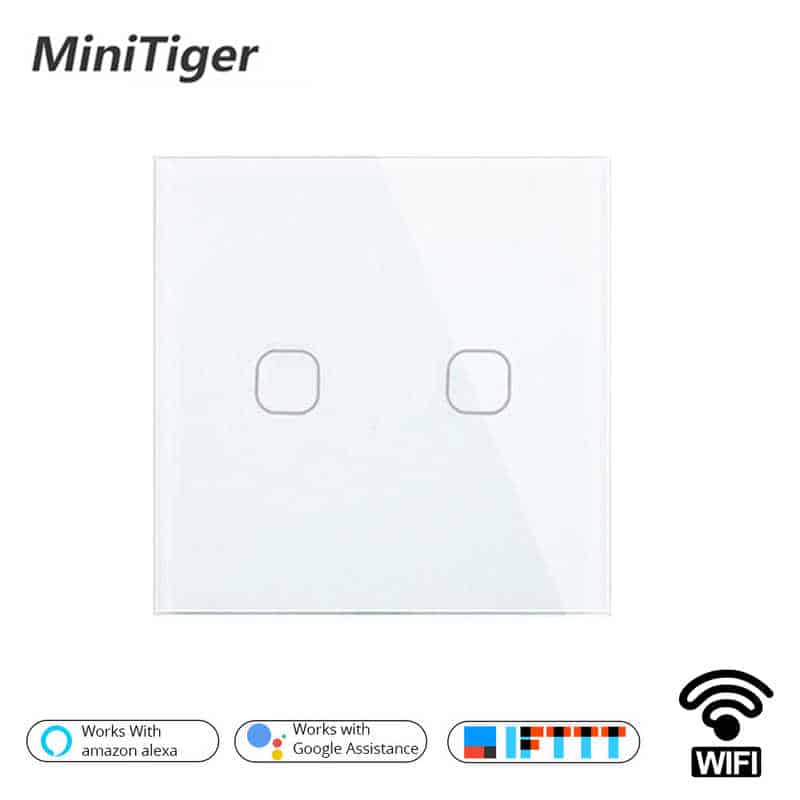
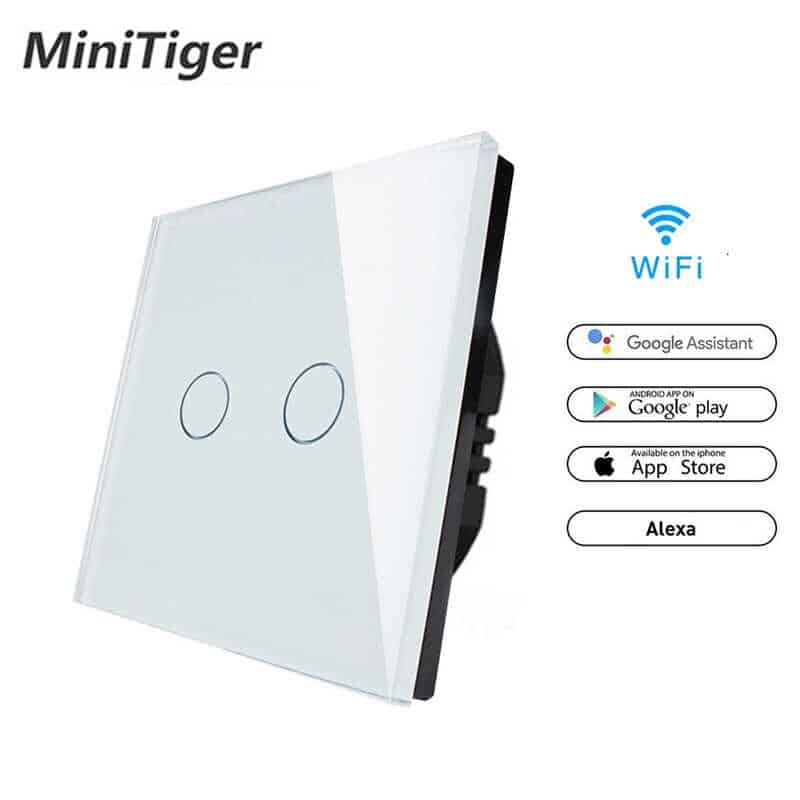
Minitiger EU Smart Home Wifi Wall Light Touch Switch 2 Gang WiFi/433 RF/APP Remote Wifi Light Switch Crystal Glass Panel Color White

$ 16.20

Category:

Now you can control the sound of the BOV from inside the cabin!

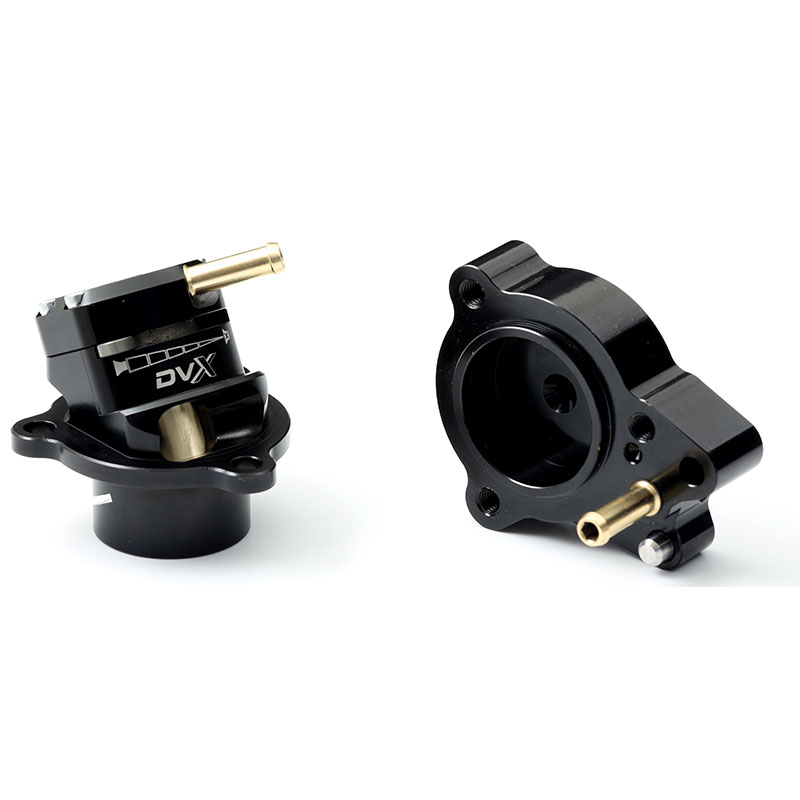
So how much more can you do with a blow-off valve? Well, the Deceptor Pro II takes the ‘Respons’ concept even further...

  • Adjust your BOV venting bias electronically on-the-fly
  • Revised porting to optimise flow and venting bias
  • Compact design fits in most factory valve locations
  • Direct bolt on for many vehicles
  • New bore finishing process ensures a lifetime of reliable operation

Deceptor Pro II features

Direct bolt-on for most vehicles available:

  • Remote proportional venting bias/volume control- from silent to loud or anywhere in between
  • Sleek, compact in-car BOV volume controller with backlit dial
  • End point adjustment to control maximum vent to atmosphere bias setting
  • Volume adjustment mechanism driven by a high-torque geared electric motor
  • Durable, low-friction ger train supported by precision sealed ball-bearing
  • Supplied with all parts and wiring required to have it up and running quickly and easily
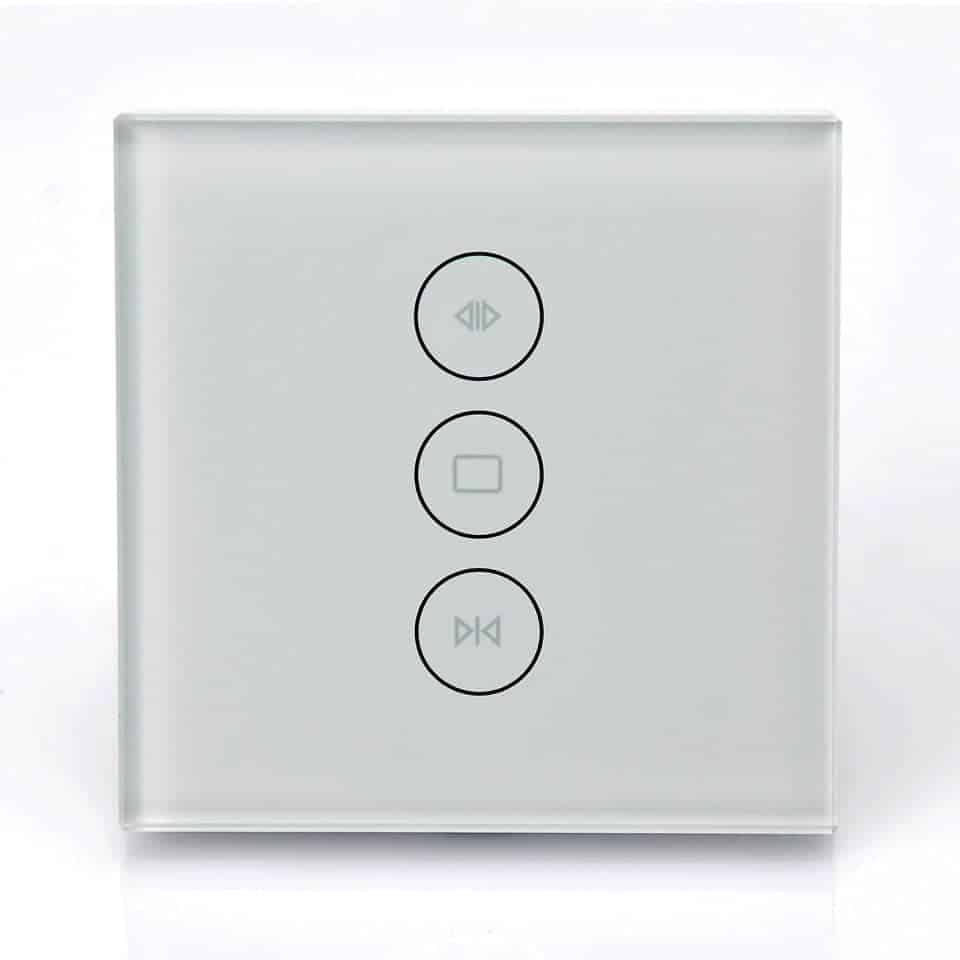
Product DescriptionMinitiger EU Smart Home Wifi Wall Light Touch Switch 2 Gang WiFi/433 RF/APP Remote Wifi Light Switch Crystal Glass Panel Color WhiteFeatures: 1. WiFi remote control and synchronous device statusTurn on/off by tapping device icon on App. Device statusalways simultaneously dispiay on APP. 2. Share Control The owner can share the devices to other eWeLink accounts.While sharing devices, both should stay online on eWeLink(keep the screen lighten). Because if the account you want toshare is not online, he/she will not receive the invitationmessage. How to make it possible? Firstly click Share, input the eWeLink account (phone number or email address) you wantto share, tick the timer permissions (edit/delete/change/enable) you want to give. then clickNext. The other account will receive an invitation message.Click Accopt, the device has shared successfully. The otheruser will have access to control the device. 3. Timing schedules Support max 8 enabled single/repeat/countdown timing schedules each device. 4. Scene/Smart Scene Scene allows triggering on/off your devices automatically.Scene Settings is in the upper right corner of Device List. You  can set up scenes or smart scenes to trigger on/off the device.Users should select Click to execute" in the                     condition, add different existing devices, name the scene and save it. 5. Set default device status In Device Setting. you can set default device status to ON orOFF when the device is powered on. 6.Security mechanism One device one owner. Other people can not add the devicesthat have already been added. If you want to add your deviceto another account, don't forget to delete it first 7. Update It will auto-remind you of new firmware or version. Please update as soon as you can.Specification :Brand Name:minitigerItem Type:SwitchesCertification:ce,RoHS,FCCWarranty:1 YearsSwitch Type:Touch On/Off SwitchModel Number:MT-Wifi-01Features:EU/UK Wifi Remote Touch SwitchMaterial:PLASTICCurrent:1ASwitch Type:APP ControlInput Voltage:AC 220V 50/60HZmaximum Power:<=1000W/roadWi-Fi Protocol:IEEE 802.11 b/g/nSupport:WiFi 2.4G app connection (PS: Doesn’t support 5G)Use for:433mhz remote controller ,APP
Performance Without Compromise